Wednesday, 10 June 2026
Updated on 4 August 2026
Efficient project planning in the trades: 6 practical tips
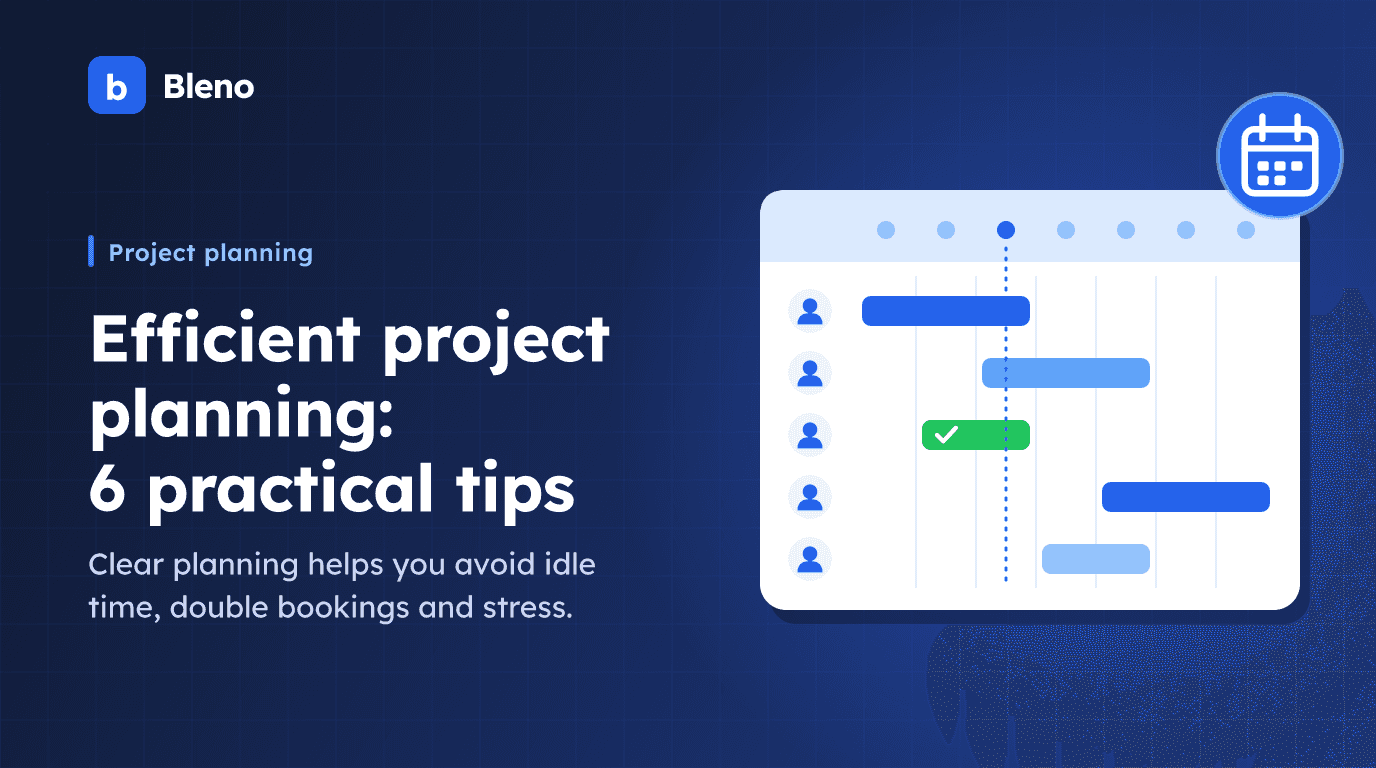
Good project planning is the difference between a calm working day and a chaotic one. If you keep an eye on jobs, materials and appointments, you avoid idle time, double bookings and expensive rework. These six tips help you plan projects in your trade business more efficiently.
1. Plan visibly – for everyone
A plan that only exists in the boss's head is not a plan. Enter projects and jobs on a visual planning board that the whole team can access. That way everyone can see straight away who is where and when – and conflicts show up early.
A typical example: two crews are accidentally scheduled at the same customer on the same morning, while nobody turns up at a second site. On a shared planning board, the double booking would have been noticed as soon as it was entered. You can read how this works digitally in the article on digital team scheduling in the trades.
2. Work with crews
Organise employees into fixed crews or teams. This saves time when assigning work, creates well-practised routines and makes utilisation predictable: instead of making five individual decisions every morning, you schedule a well-practised unit with a single entry. Especially for recurring work (shell construction, installation, service), this also reduces the time needed to get up to speed on site.
3. Take absences into account early
Holidays, sickness, training: record absences directly in the team calendar so that you never schedule someone who is not even there. It gets really practical when your employees request leave digitally and approved requests appear automatically on the planning board – then the double booking "fitter on holiday but scheduled on site" cannot happen in the first place.
4. Connect planning with time tracking
When scheduled jobs and actual time tracking come together, you can see at a glance whether your estimate is working out – and can take action immediately if there are deviations. A side effect that is often underestimated: an overtime account for each employee is created automatically along the way, and the monthly figures can be handed to your tax adviser directly as a report – without collecting slips of paper at the end of the month.
5. Keep the site in sync
With the mobile app, changes reach everyone immediately – in the office and on site. No chasing people by phone, no outdated slips of paper. Think about the reverse direction too: if you subscribe to your personal Bleno calendar as an external calendar (e.g. in your smartphone calendar), you see appointments, team calendar entries and absences where you look every day anyway – and private and work appointments no longer clash.
6. Learn from every project
Use job costing with a planned vs. actual comparison to see after a project is finished where time and material really went. It becomes meaningful through the contribution margin per project: if a bathroom refurbishment was estimated at 120 hours but needed 150, you know for the next quote whether your hourly estimate or your processes were the problem – and you plan the next project realistically.
All the tools for this – planning board, team calendar with absences, time tracking with overtime account, calendar subscription and job costing – are part of Bleno. Find out more on the scheduling page or in the overview of all features.
Try it free for 14 days, no credit card: Get started.