Switching & setup – ready to go in days, not months
The biggest worry when switching software is the effort. That is why Bleno takes most of it off your hands: your customers, items and old documents come along, your document numbers continue, and a checklist guides you step by step through the setup. Try it free for 14 days – no credit card.
Your data comes with you
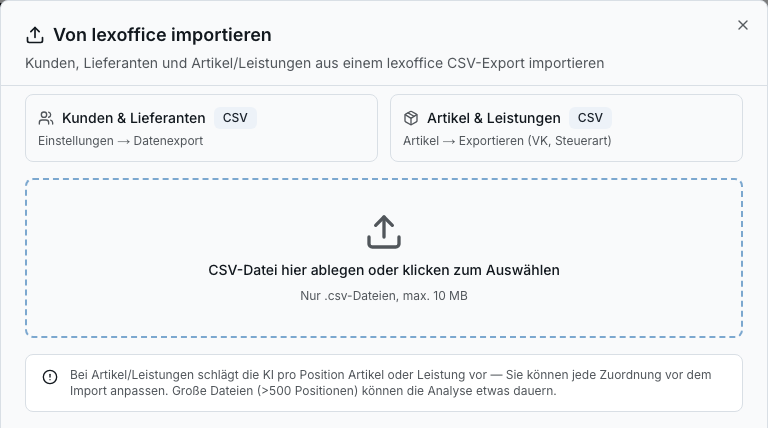
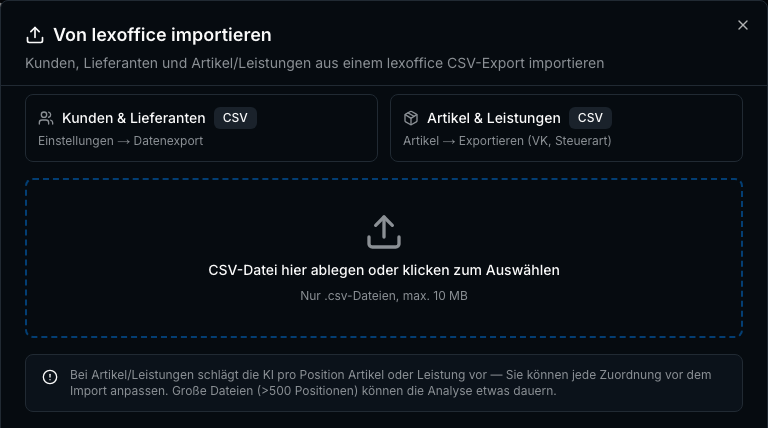
You don't start from scratch. You bring over customers, suppliers, items and services from the export of the German accounting tool Lexware Office, customer addresses from the WEKA trades software, and import wholesaler catalogues in the German DATANORM format or as BMEcat. Before the import, Bleno shows each row as new, already existing or duplicate.
- Import customers and suppliers from the German tool Lexware Office (CSV export), with a preview
- Customers from WEKA with contact persons, payment term, early-payment discount, discount and dunning block
- Items and services from the German tool Lexoffice, including purchase and sales price
- Supplier catalogues in the German DATANORM format, as BMEcat or CSV – several files at once
- Import tenders in the German GAEB format and bank transactions as CSV
Import old quotes and invoices with AI
Your history stays complete: drag old quotes and invoices into Bleno as a PDF or photo. The AI reads the document number, date, customer and amounts, you check them briefly – and the documents appear with the customer, in the overview and in the export for your German tax adviser.
- Old documents by drag-and-drop as a PDF or photo
- Document number, date, customer and amounts recognised automatically
- History per customer stays complete
- Keep your number sequence – set the next document number yourself
Guided setup instead of a manual
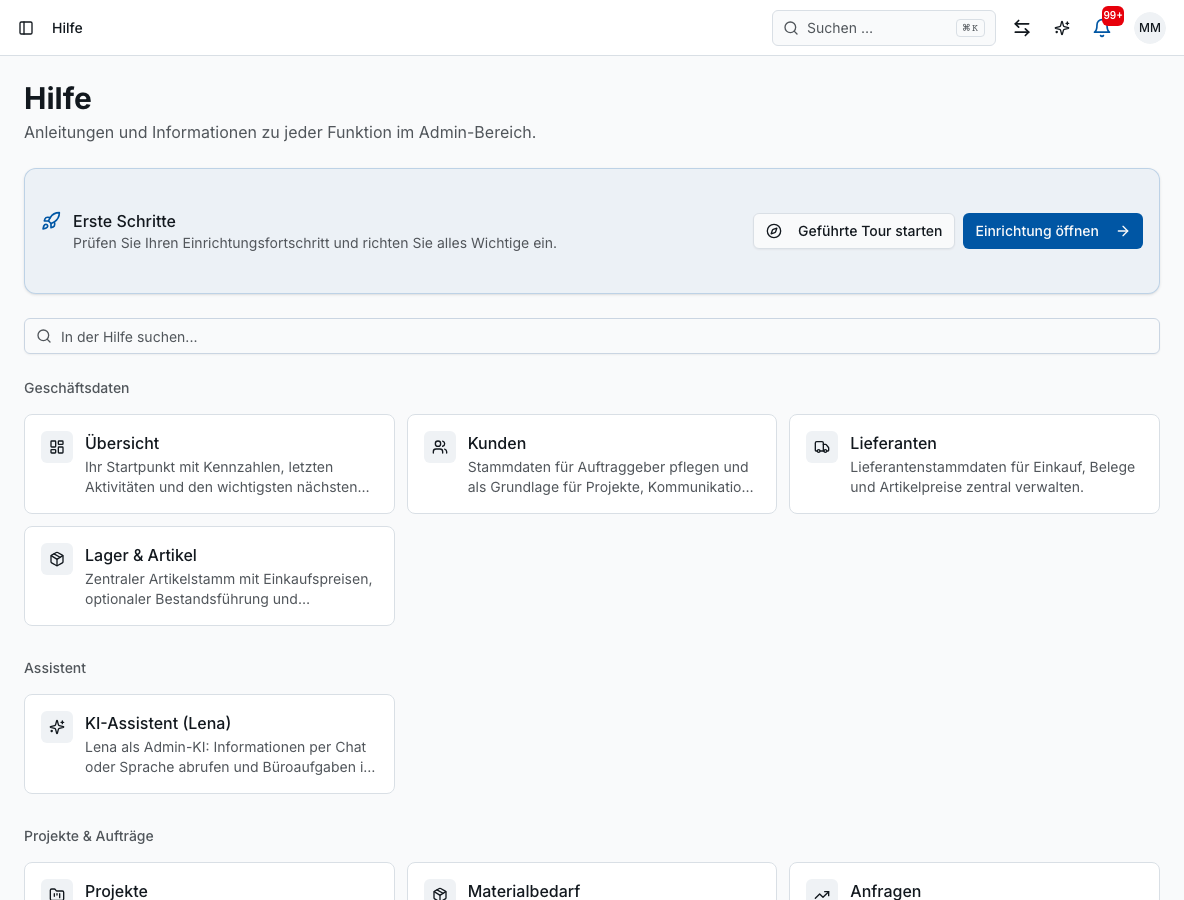
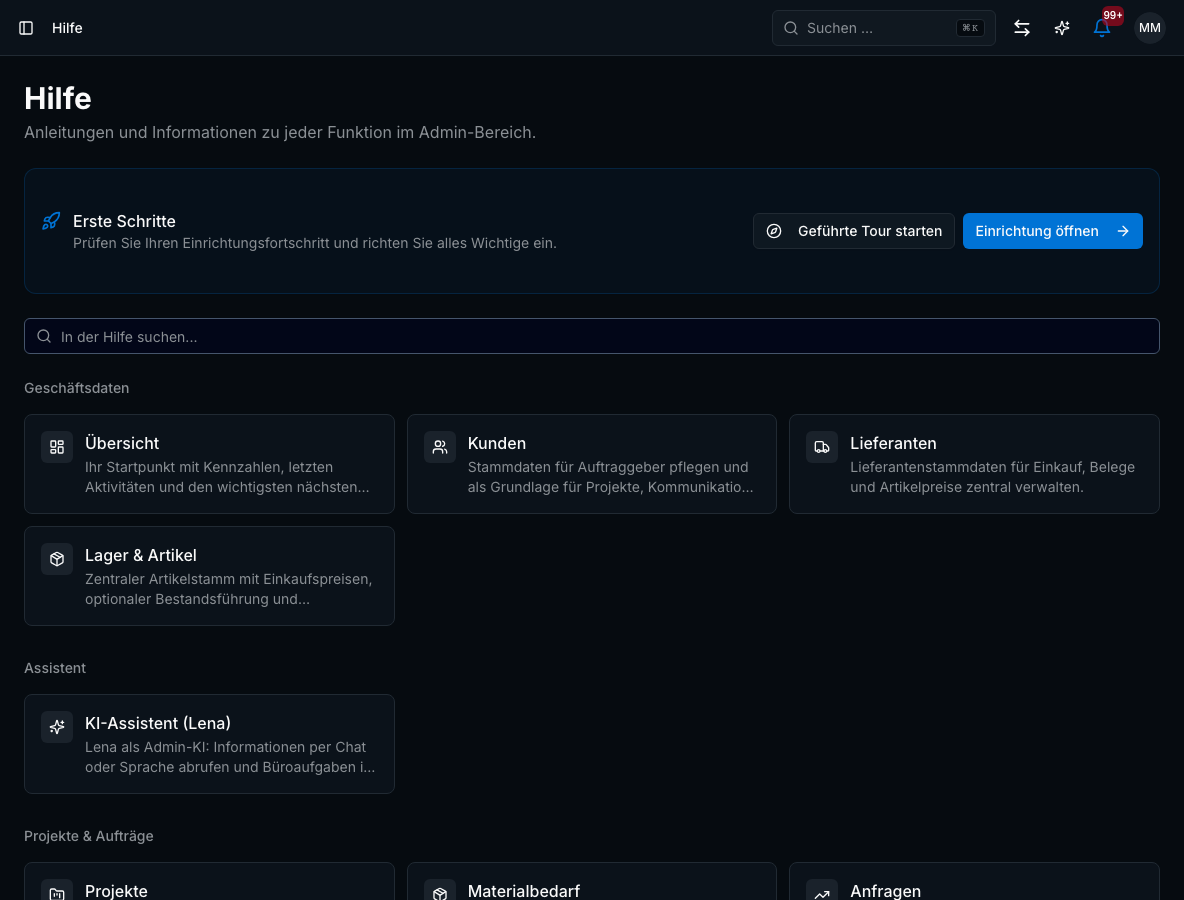
An assistant sets up the essentials in five steps: appearance, company, first customer, first project. After that, the setup centre “Erste Schritte” (first steps) guides you through everything else with a checklist – from logo and tax details to inviting employees and connecting your email inbox.
- Setup assistant in five steps
- Checklist “Erste Schritte” (first steps) with required and optional items
- Guided tour through the most important areas
- Add employees by invitation – the app is ready to use straight away
Help when you need it
There is a short video for every important workflow, plus a help centre with more than 100 articles right in the app. If you get stuck, you can raise a support ticket – with screenshot, history and status – or simply send an email to kontakt@bleno.de. Our support replies in English or German. All included, at no extra cost.
- More than 20 tutorial videos for the office and the employee app
- Help centre with more than 100 articles in the app
- Support tickets with attachments and status tracking – by email too, with a ticket number
- Ongoing updates at no extra cost – news under “What’s new”
Only the areas you need
Bleno adapts to your business, not the other way round. Under Settings → Modules, you switch off areas such as time tracking & leave, planning, requests, forms, company chat or temporary workers individually – the menu stays tidy, and your data stays saved.
- Modules in groups: sales, projects & planning, staff, receipts & finance, communication, extras
- Each module states what disappears when you switch it off and what depends on it
- “Receipts only” template: projects, customers, suppliers and incoming documents – everything else off
- Switched-off areas keep their data and are back as soon as you switch them on again
Try it without risk
Try Bleno free for 14 days with every feature – no credit card. When the trial ends, your access is only paused and your data is kept. Later, you can cancel at any time with one day’s notice to the end of the billing period you chose, or pause your subscription for one to three months.
- 14 days free, full range of features, no credit card
- Your data is kept after the trial
- Cancel at any time with one day’s notice to the end of the chosen billing period
- Pause your subscription for 1–3 months if needed
Benefits
Switching & setup: what it does for you
- No double entry of customers and items
- Complete document history from day one
- Document numbers continue without gaps
- Setup with a checklist instead of a manual
- Videos, help centre and support included
- No risk: try it free for 14 days, no payment details
FAQ
Frequently asked questions
You complete the basic setup – company, logo, tax details, first customer, first project – with the assistant in an afternoon. Master data from the German accounting tool Lexware Office or from WEKA and wholesaler catalogues come in by import instead of being typed out. How quickly the rest goes depends mainly on how many services you want to pre-calculate.
Customers, suppliers as well as items and services – via the CSV export from the German accounting tool Lexoffice (Lexware Office), with a preview before the import. From the WEKA trades software, you take over business and private customers with contact persons, payment term, early-payment discount and discount. You bring in old quotes and invoices as a PDF via the old-documents import, and the AI reads the data.
Yes. You drag old quotes and invoices into Bleno as a PDF and simply continue your document numbers. You create customers directly with your first quote. There is currently no general Excel import for customers or items – items come in fastest via your wholesaler’s catalogue.
It is kept. Your access is only paused until you choose a plan – everything you created during the trial carries on seamlessly.
Matching features
These features work hand in hand in your daily work. You'll find all the others in the overview.
Quotes & invoices
Create professional quotes, order confirmations and invoices in minutes.
Learn more – Quotes & invoices →Suppliers
Suppliers with contacts, price lists and all invoices in one place.
Learn more – Suppliers →Employee app
Daily plan, time tracking, documents, materials and chat on your team's phones.
Learn more – Employee app →Ready to get started?
Try Bleno free for 14 days, with no obligation. No credit card required.