Saturday, 28 March 2026
Digital team scheduling for trade businesses: job planning without chaos
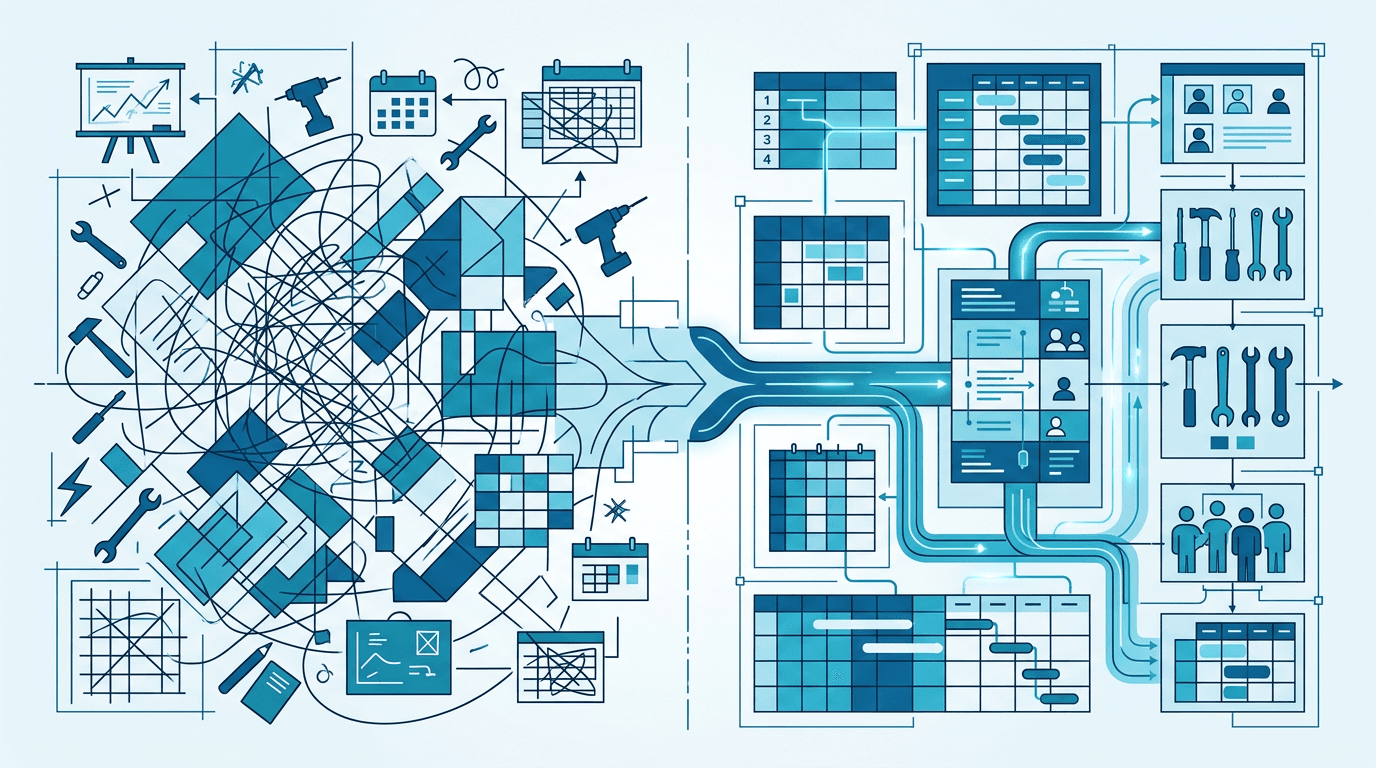
"Who's going where tomorrow?" – every trade business deals with this question every day. With two employees and one site, the answer is simple. But with five employees, three sites and someone calling in sick at 7 in the morning? Then it gets complicated.
Job scheduling is one of the underestimated challenges in the trades. It costs time, creates stress and regularly leads to mistakes – if it isn't structured. In this article we show why the classic methods reach their limits and how digital team scheduling noticeably improves everyday work.
What job scheduling often looks like today
Option 1: In the boss's head
The business owner knows who should be where tomorrow. He carries the plan in his head and passes it on by phone or at the morning briefing.
Works with: 2–3 employees, a handful of sites.
Fails with: Illness, holidays, short-notice changes, parallel sites. And at the latest when the boss is off sick himself, the business grinds to a halt.
Option 2: Whiteboard or magnetic board
A classic wall board in the office – with magnets, pens and colour codes. Better than the head, because at least there is a visual overview.
Works with: Businesses where everyone starts in the office in the morning.
Fails with: Employees who drive straight to the site. Changes that happen on the move. And nobody can see the board from the site.
Option 3: Excel or Google Sheets
A spreadsheet with weekdays as columns and employees as rows. Fill in, print, done.
Works with: Regular, predictable jobs.
Fails with: Short-notice changes, simultaneous editing, mobile use. And printouts are out of date the moment they come out of the printer.
Option 4: WhatsApp group
"Tomorrow 7:30 Müller site, Frankfurter Str. 12. Hans and Peter." – sent to the company group, somewhere between holiday photos and breakfast orders.
Works with: Spontaneous, one-off information.
Fails with: Anything that needs structure. Who scrolls through 50 chat messages at 6 in the morning to find their job?
The typical problems of classic scheduling
Lack of transparency
Employees don't know what's coming up tomorrow. They have to ask – or, in the worst case, guess. That creates uncertainty and costs time.
No ability to react
An employee calls in sick. Now the plan has to change. On the whiteboard the change takes 5 seconds – but the employees on site only find out when someone calls. Or not at all.
Double bookings and gaps
Without a central overview it happens regularly: two crews are sent to the same site while another is left unattended. Or an employee accidentally has two jobs on the same day.
No context
Even if the location is known: which job is there? Who is the contact person? What is the current status? This information is missing in classic scheduling. The employee has to ask or call the office.
No tracking
Who was where, and when? If you have to answer this question two weeks after the job – for billing, job costing or a customer query – you have no chance with analogue scheduling.
What digital team scheduling does better
1. A central overview for everyone
Team scheduling shows at a glance: who is assigned where, which sites are running, where are the gaps? The boss sees it on the desktop, employees on their smartphones.
2. Real-time changes
If an employee drops out, they are removed in team scheduling and someone else is assigned. Everyone affected sees the change immediately – no calls, no notes.
3. Context for the job
Digital team scheduling is linked to the job. The employee sees not just "Müller site, Frankfurter Str. 12", but also: job details, contact person, phone number, previous documentation and open to-dos.
4. Capacity planning
You can see at a glance which employees are fully booked and where there is still capacity. This helps when accepting new jobs and prevents overload.
5. Historical data
Who was on which site last week? The data is stored and can be used for billing, time tracking and job costing.
What to look for in digital team scheduling
Not every scheduling software suits the trades. Look out for:
- Drag and drop: Move jobs with the mouse or a finger – quick and intuitive.
- Mobile view: Employees must be able to see the schedule on their smartphone.
- Link to jobs: Team scheduling shouldn't be isolated but connected to projects, customers and documents.
- Crew support: If you work in teams, the scheduling should be able to plan crews as a unit.
- Notifications: Changes should be communicated automatically to the employees affected.
- Ease of use: If planning in the software takes longer than on the whiteboard, something is wrong.
Team scheduling in Bleno
Team scheduling in Bleno was developed for everyday work in the trades:
- Visual weekly overview: All employees and jobs at a glance – as a timeline or calendar view.
- Drag and drop: Move or extend jobs or assign them to employees – in a single movement.
- Linked to jobs: Every job is connected to the project. Employees see job details, address and contact person.
- Viewable on mobile: Your employees open the app and see their schedule – including navigation to the site.
- Crews: Schedule teams as a unit instead of assigning each employee individually.
- Integrated: Team scheduling is part of the overall system. Time tracking, site documentation and job details work hand in hand.
Conclusion: structure beats improvisation
Job scheduling is the backbone of a well-run trade business. Anyone who improvises here loses time every day and creates avoidable stress – for themselves and their team.
Digital team scheduling is not a revolution. It is simply the logical next step: the same information, but in one place, for everyone, in real time.
Try Bleno's team scheduling free for 14 days – and see how much calmer daily planning can be. Get started.