Wednesday, 25 March 2026
Digital site measurement for trade businesses: capture measurements, avoid errors, save time
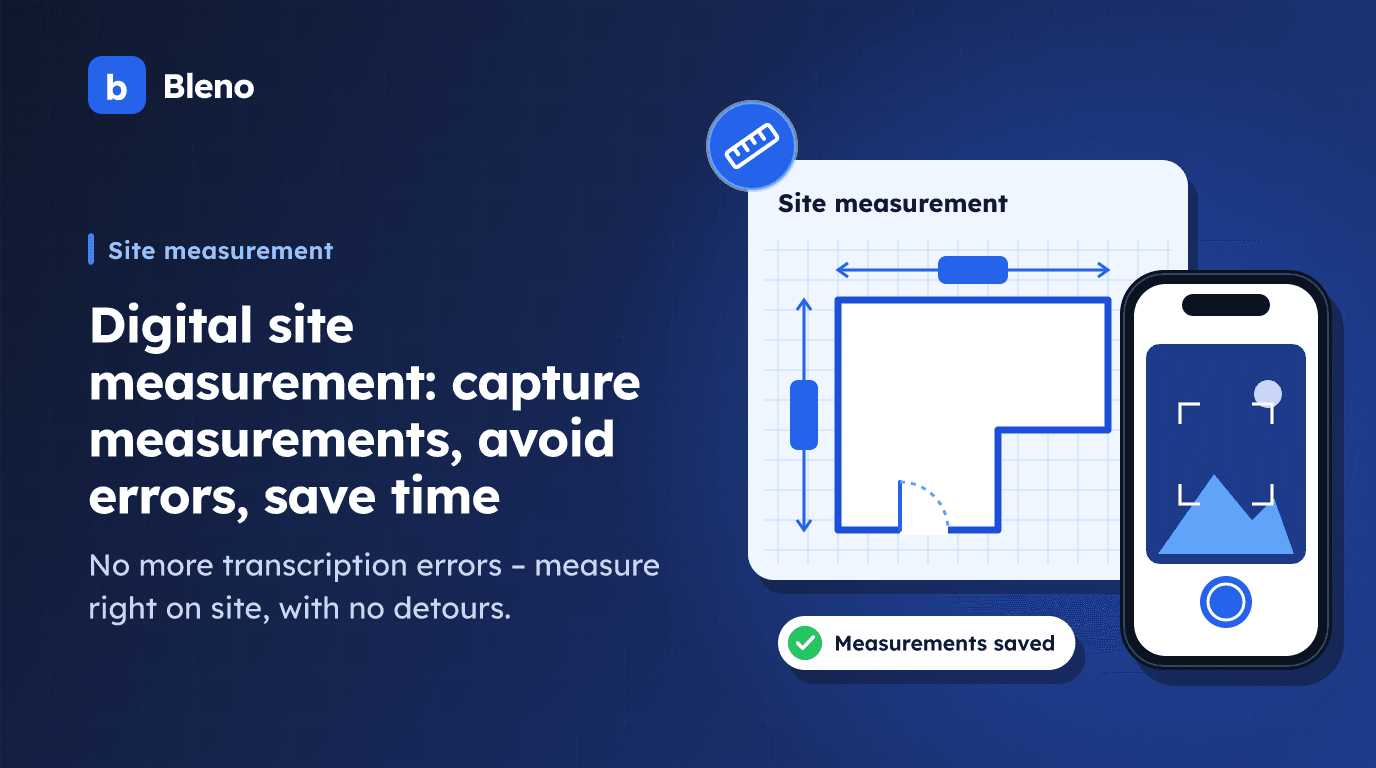
Site measurement is one of the oldest tasks in the trades: measure, write it down, work it out. What used to work with paper and pencil now takes more time than necessary – and produces avoidable errors along the way.
Anyone who has watched their measurement notes travel from the basement to the office knows the problem: the figures have to be copied by hand. Errors creep in and carry through costing and the quote all the way to the invoice – and in the worst case, the business pays for them.
What is a site measurement and why does it matter so much?
A site measurement records the exact quantities and dimensions relevant to a project – for example:
- Areas: wall, floor and ceiling areas for painters, tilers or drywall installers
- Lengths: cables, pipes, roof edges, timber beams
- Volumes: excavation, concrete, bulk materials
- Quantities: windows, doors, radiators, sockets
The measurement is the basis for everything that follows: the quoted price, material requirements, billing. A mistake here runs through the whole project.
The problem with paper measurements
Transcription errors
Measurement on site → note → office → Excel → quote. Every transfer step is a source of error. One misread figure, one mixed-up unit – and the whole calculation is wrong.
Illegible notes
On site, people write quickly, often in pencil, sometimes in the rain. What seems clear in the moment is barely readable back in the office.
Missing context
Which measurements belong to which room? Which measurement list is the current version? With several projects running at once, it's easy to lose track.
Time spent on duplicate work
Measure, note, transfer, type in – the same value is captured several times. That takes time that would be better spent on productive work.
Digital site measurement: how it works in practice
With digital site measurement, employees enter measurements directly on a smartphone or tablet – on site, in real time.
This is how the process works:
- Open the project in the app
- Create a measurement group (e.g. ground floor, living room, exterior walls)
- Enter dimensions: length, width, height – the app calculates the area or volume automatically
- Name the items (e.g. "east wall", "kitchen floor")
- Save – done
The data is available in the software immediately. No transferring, no retyping.
4 practical examples
Tilers: areas straight into the materials list
A tiler measures the walls and floor of a bathroom. The app calculates the area automatically and accounts for material waste (e.g. 10 %). The result: a finished materials list with the number of tiles needed – straight from the measurement.
No Excel, no calculator, no guesswork.
Painters: from measurement straight to the quote
A painting business measures all wall areas in a new build. The calculated square metres flow automatically into the quote – multiplied by the stored price per square metre.
What used to take 30 minutes is done in 5. And the quote can be presented to the customer while still on site.
Electricians: cable lengths per room
An electrical business is planning a new installation. Room dimensions and planned cable routes are recorded in the measurement. The software calculates the total length and creates a materials list with cables, junction boxes and consumables.
Carpenters: timber quantities without calculation errors
A carpentry business records the timber beams for a roof structure. Lengths and cross-sections are entered, the software calculates the volume and automatically assigns the timber quantity to the right timber class.
What digital site measurement offers compared with Excel or paper
| Paper | Excel | Digital measurement | |
|---|---|---|---|
| Transcription errors | frequent | possible | eliminated |
| Automatic calculation | no | partly | yes |
| Linked directly to the project | no | no | yes |
| Usable on site | yes | hardly | yes |
| Transferable to the quote | manually | manually | automatically |
| Traceability | low | medium | high |
Measurement and quote: two steps that belong together
The biggest advantage of digital site measurement in Bleno: the data doesn't stay isolated. It flows straight into quotes, materials lists and job costing – part of a continuous digital order process.
That means: if you capture measurements digitally, you don't just save time measuring – you save time on everything that comes after.
Conclusion: less effort, fewer errors, more accuracy
Digital site measurement is not a big change project. It replaces notes with an app, the calculator with automatic calculation, and manual transfer with a direct link to the project.
The effort of switching: small. The benefit: noticeable every day – in fewer errors, less duplicate work and more precise quotes.
Try Bleno free for 14 days and capture your next site measurement digitally. Get started.
More about the feature: Site measurement in Bleno