The problem
The work is done – the money is not in yet
The site is finished, but the invoice is still sitting there as a draft. Or it has gone out, and nobody notices it has been open for six weeks. Your business is financing your customers – and materials and wages still have to be paid on time.
Sound familiar?
Typical signs
- Invoices go out too late
After one site comes the next. The final invoice gets written when there is time – often weeks later.
- Nobody checks incoming payments
Who has paid, who has not? Matching bank statements and invoices is left until things get tight.
- Chasing payment is awkward
Writing a payment reminder takes effort and time. So you wait another week – and another.
What it really costs you
The hidden costs
- Tied-up money
- Example calculation: with €40,000 monthly revenue (around four weeks), every week of delay in invoicing and payment ties up around €10,000 – money missing for materials, wages and reserves.
- Forgotten work
- Whatever is not billed promptly is easily forgotten: hours, materials or extra work that never appear on an invoice.
- Cost of bridging the gap
- When cash is short, the overdraft steps in – with interest that comes straight off your profit.
≈ €10,000/week
Amounts marked “Example calculation” are sample calculations with the assumptions stated – use your own figures.
How Bleno solves it
There is a better way
Bleno makes sure invoices go out early, payments are recognised automatically and chasing payment only takes a click.
Bill earlier
Bleno shows which accepted jobs do not have an invoice yet and which work has not been billed. Hourly projects bill themselves monthly as a draft.
- Editor with line items and totals
- Quick adjustment of quantities, prices and discounts
- Templates and master data right inside the document
Recognise incoming payments automatically
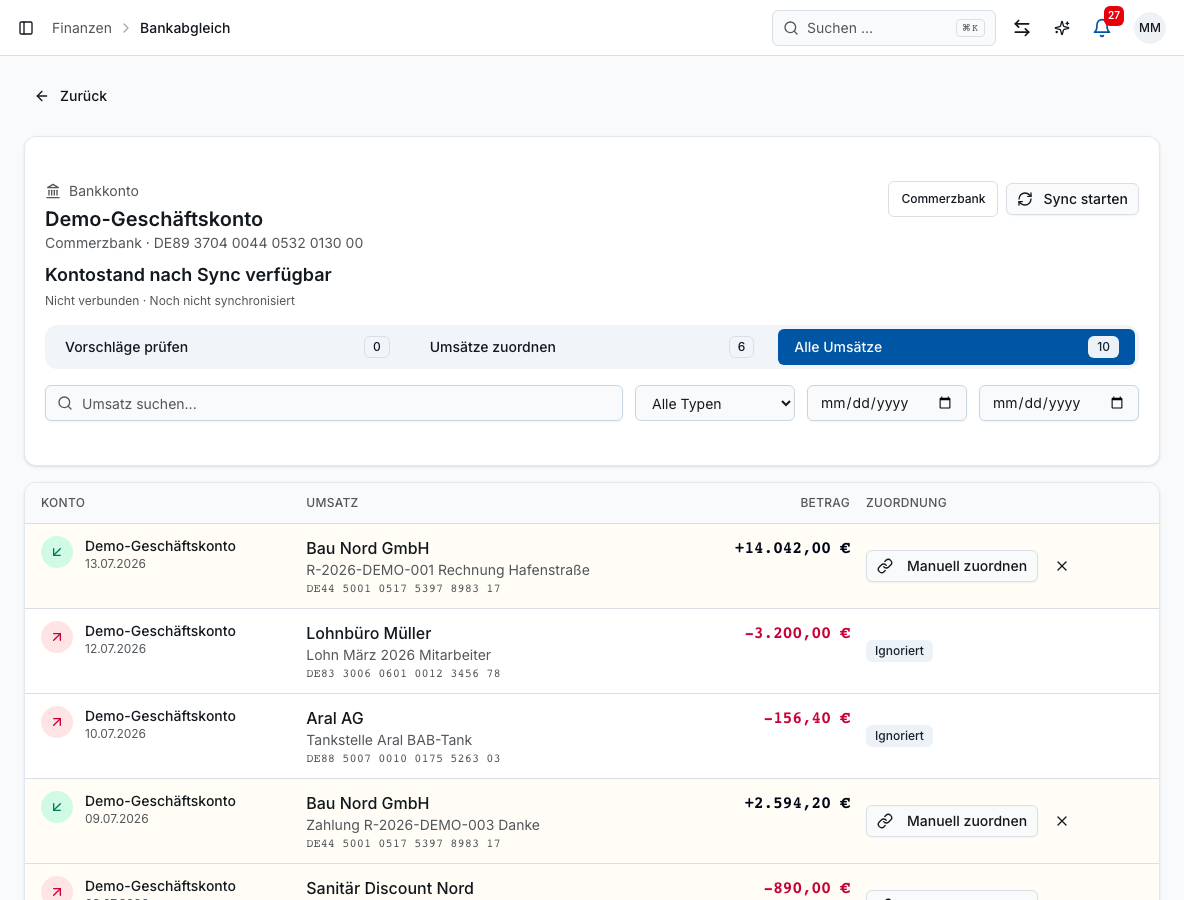
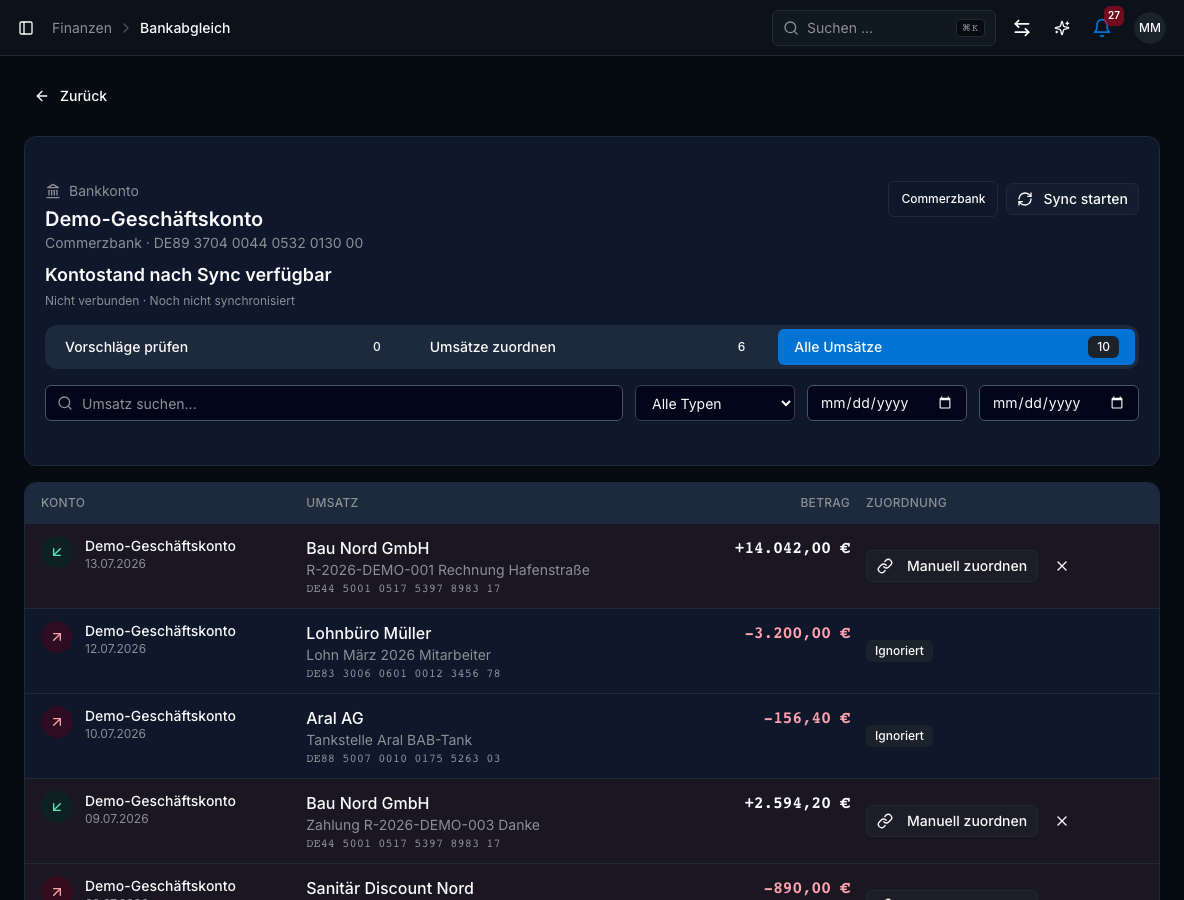
With bank reconciliation, Bleno matches incoming payments to open invoices. You always see what has been paid and what has not.
- Automatic preselection from the payment reference
- Search by invoice number, customer or supplier
- Amount and payer/payee at a glance
Send reminders with one click
Overdue invoices appear in the open items overview. You send payment reminders and formal reminders straight from Bleno – Bleno keeps count of the reminder level.
- List of all income and expenditure
- Filter for open assignments and confirmed matches
- Match manually straight from the list
Example scenario · Painting business
How it works with Bleno
A painting business sends final invoices weeks after the job is signed off. With Bleno, the office sees which signed-off jobs do not have an invoice yet, bank reconciliation matches incoming payments to the invoices, and overdue items get a reminder with one click.
A constructed example for illustration – not a report from a specific business.
FAQ
Frequently asked questions
No, deliberately not without you. Bleno shows you all overdue invoices, and you send the payment reminder or formal reminder with one click. That way you decide yourself when to chase a good regular customer.
Through bank reconciliation: you connect your business account via open banking (or upload a CSV file), and Bleno matches incoming payments to open invoices. Clear matches can be booked automatically if you wish.
Yes. Progress and final invoices per project are possible – so on longer projects you receive money while the work is still under way.
Common concerns
Fair concerns – and how we solve them
How to get started
Three steps to the solution
Sign up for free
Your account is set up in a few minutes, without a credit card. For 14 days you can try all core features.
Bring in your data
Import customers and items from Lexware Office (formerly lexoffice, a German accounting tool) and wholesaler items from a DATANORM catalogue (the German wholesale data format). Our support team will help you in person, right in the app.
Invite your team
Employees download the app from the App Store or Google Play and work with it from day one.
All core features included
from€59net / month
plus VAT · cancel at any time · cheaper on a yearly plan
Temporary worker scheduling and project leads included from the Team plan upwards. Add-ons such as the AI assistant Lena (phone in German, WhatsApp in the customer's language) are optional and cost extra.
- Start · 1 admin€59
- Team · 3 admins€129
- Business · 5 admins€219
Get paid faster
Try Bleno free for 14 days and see at a glance where your money is currently stuck.