Friday, 11 September 2026
Receipts to your tax adviser – without the shoebox: how month-end closing runs itself
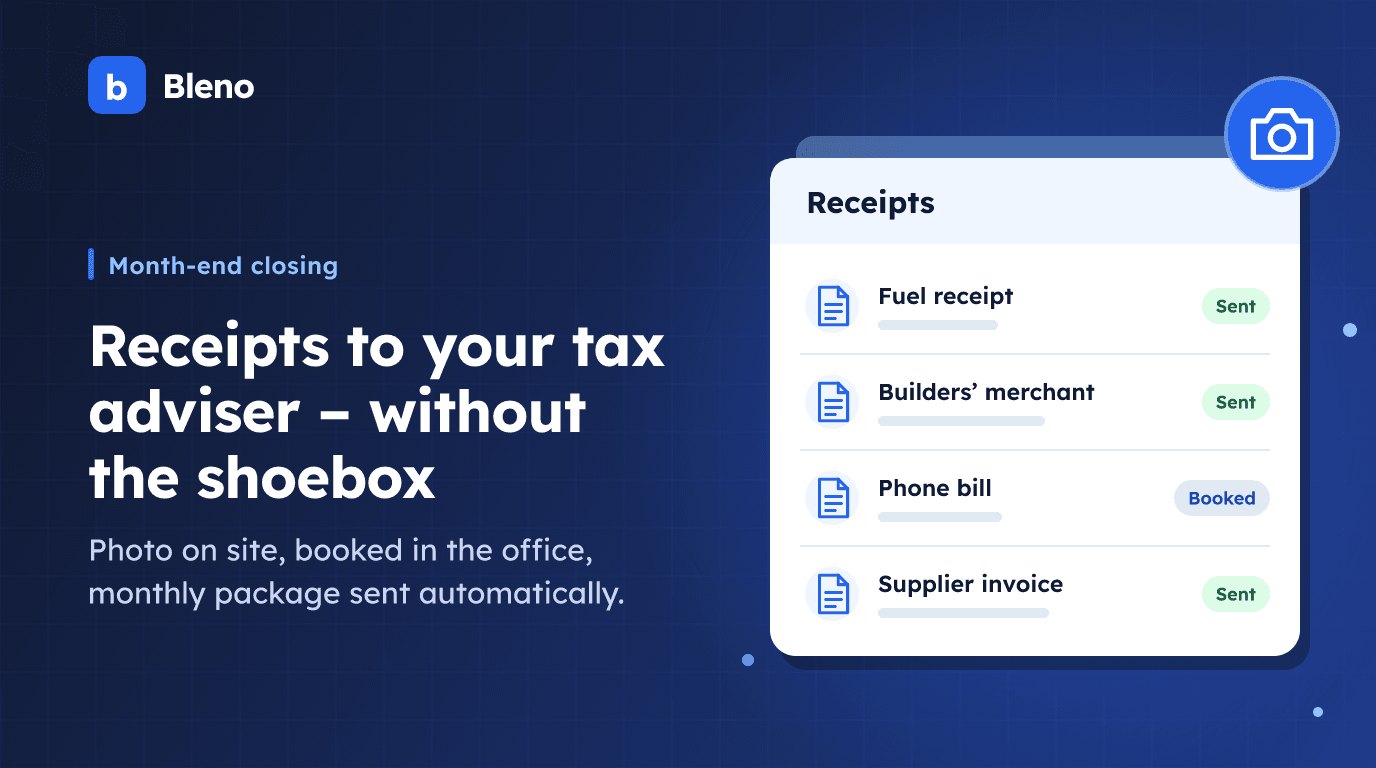
In many trade businesses, month-end closing is a fixed date – and an unpopular one. Going through bank statements, gathering supplier invoices from jacket pockets and glove compartments, catching up on the cash book, scanning everything and sending it to the tax adviser. Anyone doing this with five or ten employees regularly loses half a day – and there are still documents missing at the end.
This article shows what the route from receipt to tax adviser looks like when the software takes it over: from the photo on site to the package that goes out on the first of the month by itself. Parts of it (GoBD, DATEV, e-invoice formats) apply to businesses in Germany.
Step 1: The document arrives where it is created
The most expensive receipt is the one that never reaches the office. That is why a clean process starts on site: the fitter photographs the delivery note or the wholesaler's invoice directly in the project – with the employee app, without a detour via WhatsApp or a jacket pocket.
Everything that arrives by email is collected by Bleno from the connected mailbox. This also applies to e-invoices: German XRechnung XML and ZUGFeRD PDF are recognised and imported with their structured data – without OCR errors.
Step 2: Recognise and book with one click
In the document inbox, AI reads out supplier, line items, quantities and amounts and recognises the document type: invoice, credit note, delivery note, payment receipt, order confirmation or reminder. It suggests the project, and you confirm with one click. If you are in a hurry, you book the whole document as a collective item and split it later.
Important for everyday work: Bleno remembers your corrections per supplier. If you once booked the wholesaler's freight costs to stock instead of the project, that will be suggested for the next document.
Step 3: Pay without giving away early-payment discounts
Every booked document automatically becomes a scheduled payment – with due date and, if stated on the invoice, the early-payment discount deadline and amount. Under "Offene Zahlungen" (open payments, German interface) you see what is due this week, approve it, and Bleno transfers the money on the due date via your bank connected through finAPI. Without a bank connection you export a SEPA file; the payments are booked automatically once the account is fetched.
You offset credit notes directly against open invoices from the same supplier – even spread across several.
Step 4: The cash book runs alongside
Cash payments belong in the cash book – compliant with the German GoBD rules, that means: numbered consecutively, corrections only by reversal entry, receipt attached to the entry. Bleno keeps the cash book this way, generates the process documentation for a tax audit in Germany and automatically adds the cash book extract and cash receipts to the monthly package. Businesses in Austria get the version with Austrian VAT rates and the basics from the Austrian Federal Fiscal Code (BAO) and the cash transactions regulation.
Step 5: The monthly package goes out by itself
At the end of the month – or automatically on the chosen cut-off date – Bleno puts together all published invoices, booked incoming documents and the cash book as a ZIP, named after the document month, and sends it to your tax adviser's stored address. Large packages arrive as a secure download link.
Two details that make the difference in practice:
- Late documents. A July invoice that turns up in September automatically travels in the September package – in the "nachgereicht" (submitted late) subfolder, so the tax adviser files it correctly. And Bleno warns you if new documents have arrived for a month that has already been sent.
- A reminder instead of a guilty conscience. As long as a month's export is still open and there were documents in the previous month, Bleno reminds you at the start of the month. Otherwise it doesn't.
For DATEV practices in Germany: documents straight after booking
If your German tax adviser uses DATEV Unternehmen online, you can also connect Bleno via DATEV receipt sync. Every document image is then transferred straight after you book an incoming invoice or publish an outgoing invoice. A "DATEV" card on the document shows the status (for German tax advisers using DATEV); in the settings you see pending, failed and transferred documents – and can submit existing documents for a period afterwards.
And payroll?
Payroll stays with your tax adviser or payroll office – Bleno provides the basis: daily working time records of all employees as CSV, optionally without overtime or minus hours, plus planned vs. actual, overtime balance and holiday per month. Sent directly by email, to the same remembered address.
Conclusion
A clean document process is not a question of discipline but of routes: the document has to be captured where it is created, and the rest has to happen without anyone lifting a finger. With receipt photos, AI booking, scheduled payments and an automatic monthly package, the sorting evening turns into a glance at an overview – and the tax adviser gets a complete package every month.
More on the feature pages incoming documents, bookkeeping & tax adviser and bank reconciliation & payments.