Wednesday, 25 March 2026
Bank reconciliation for trade businesses: match open items automatically
Sound familiar? At the end of the week you sit in front of your bank statement, painstakingly comparing amounts with open invoices and trying to work out which customer has paid what. Hours are lost – time you could put to much better use on site or winning new customers.
This is exactly the problem we solve with the new automatic bank reconciliation in Bleno.
What is bank reconciliation – and why do you need it?
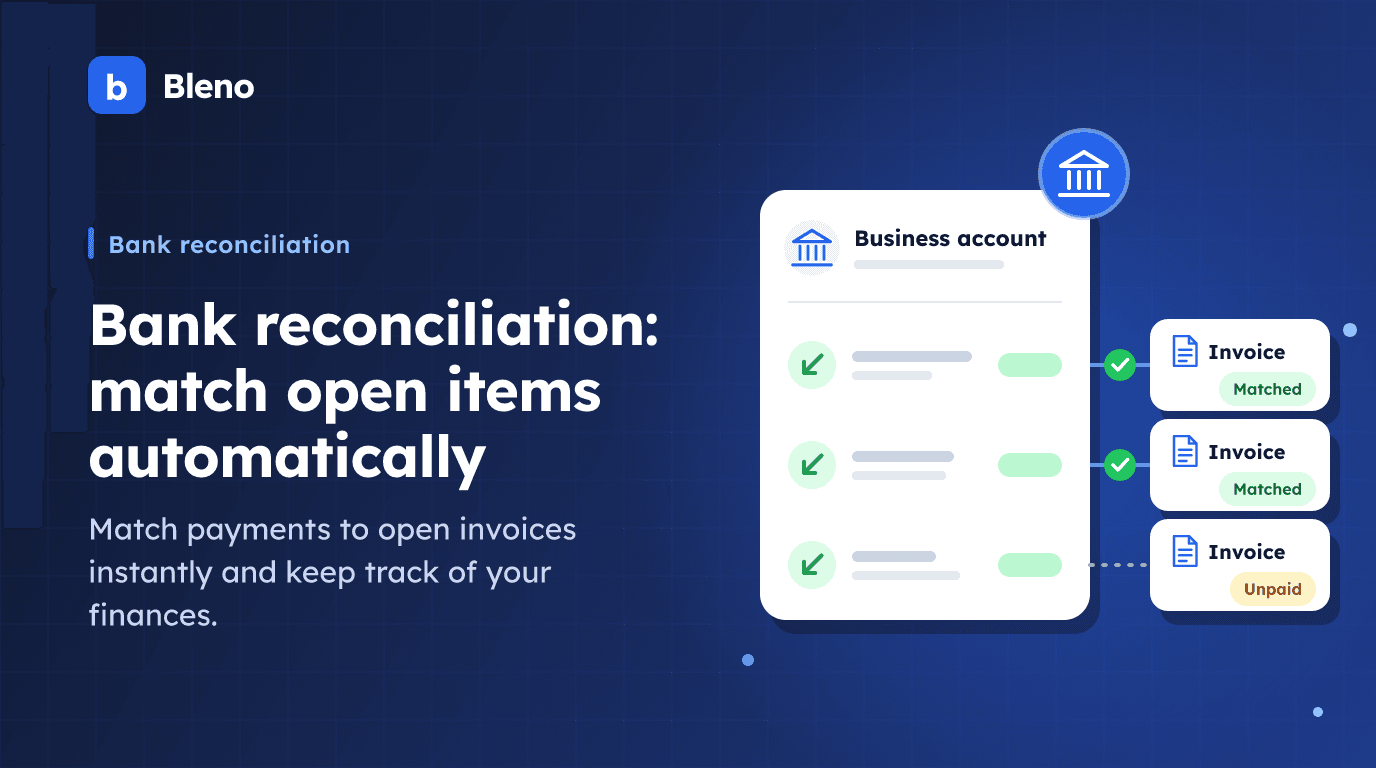
Bank reconciliation (also called payment matching or account reconciliation) is the process of matching account transactions to the invoices they belong to. When a customer pays your invoice for €2,347.50, that amount appears as a credit in your account. Bank reconciliation makes the connection: this payment belongs to this invoice.
For trade businesses this is particularly important, because:
- Many small invoices: Between materials, labour and travel costs, dozens of invoices quickly add up each month.
- Different payment terms: Some customers pay straight away, others only after 30 days – keeping track is hard.
- Supplier invoices: Besides customer payments, your own expenses also have to be matched. You can read how to capture these documents without any typing in digitising incoming documents.
- Your tax adviser needs clarity: For the DATEV export (the standard of German tax advisers) and bookkeeping in Germany, it has to be clear which invoice has been paid.
How does automatic bank reconciliation work in Bleno?
1. Connect your bank account securely
You connect your business account directly in Bleno – via a secure, PSD2-certified interface. The connection runs via finAPI, an account information service regulated by BaFin (the German financial supervisory authority) and owned by Schufa.
Important: Your bank login details are never stored by Bleno. You authenticate directly with your bank (just as with online banking) and only grant read access.
All German banks are supported: Sparkasse, Volksbank, Commerzbank, Deutsche Bank, ING, DKB, N26 and more than 4,000 other institutions.
2. Transactions are synchronised automatically
Once connected, Bleno automatically fetches new account transactions. You don't need to upload or export anything manually – the sync runs in the background.
Alternatively, you can upload bank statements as a CSV file. Bleno automatically recognises common German bank formats.
3. Smart matching
This is where the real magic happens: Bleno analyses every account transaction and tries to match it to an open invoice. The algorithm uses several criteria:
- Invoice number in the payment reference: If your customer enters "RE-2024-0042" in the payment reference, Bleno recognises it immediately. → High confidence
- Amount and sender: Does the amount match an open invoice exactly, and does the sender name match the customer? → High confidence
- Amount and name in the payment reference: The amount matches and the customer's name appears in the payment reference? → Medium confidence
Each match receives a confidence rating (high or medium). You can confirm suggestions with one click or correct them manually.
4. Open items in view instantly
The bank reconciliation dashboard shows you at a glance:
- Matched transactions: Already confirmed matches – the invoice is automatically marked as "paid".
- Open transactions: Payments not yet matched that need your attention.
- Ignored transactions: Rent, insurance and other regular debits that have nothing to do with invoices.
What does this mean in practice?
Time saved
Instead of hours per week, you only need a few minutes. Automatic matching does most of the work – you just confirm.
Faster dunning
When you see straight away that a customer hasn't paid yet, you can react faster. Bleno automatically detects late payers and works seamlessly with the built-in dunning process.
Better cash-flow overview
You always know how much money is still outstanding, which supplier invoices are due and what your liquidity looks like.
Clean bookkeeping
Because every payment is matched to an invoice, you can send the DATEV export to your German tax adviser with a clear conscience.
How to start bank reconciliation in Bleno
- Go to "Bankabgleich" (bank reconciliation) in the sidebar under "Finanzen" (finance) – German interface.
- Click "Bank verbinden" (connect bank) and select your bank.
- Authenticate with your bank as usual (TAN, pushTAN, etc.).
- Bleno synchronises your transactions automatically and starts matching.
- Confirm suggestions or match transactions manually.
No online banking? No problem – simply upload a CSV export of your bank statement.
Conclusion
Automatic bank reconciliation saves you valuable time as a tradesperson, reduces errors and gives you a full overview of your finances at all times. Try the new feature now – directly in Bleno.